


Most creators burn out because they treat faceless video production like a mini–Hollywood studio: endless script tweaks, footage hunting, voiceover redos, and editing marathons. That’s how you end up publishing one video a month and wondering why the algorithm hates you. The truth? Faceless videos can be a lean machine if you stack the right tools and workflows.
Building Your Faceless Video Stack
Think of your toolkit as a conveyor belt. Once it’s set up, you’re not “creating from scratch” — you’re just feeding ideas through the system.
- AI for Scripting: Tools like ChatGPT, Jasper, or Claude can turn niche ideas into rough scripts in minutes. Your job is to add personality, facts, and hooks.
- Templates for Editing: Premiere Pro, CapCut, or even Canva offer ready-made faceless templates (think “Top 10 List,” “Explainer Style,” or “Product Review”). Start with templates, then brand them with your fonts, colors, and transitions.
- Rapid Editing Workflows: Batch tasks. Write three scripts at once, record three voiceovers back-to-back, edit in one sitting. The system eats repetition for breakfast.
Voiceover Hacks (AI Voices That Don’t Sound Like Robots)
AI voices are better than ever, but even the slickest ones can fall flat without finesse. Here’s how to humanize them:
- Blend Voices: Mix two different AI voices (male + female, serious + casual) to create dialogue or variety.
- Micro-Pauses: Add pauses after key phrases to mimic natural breathing. It makes your script feel less machine-gunned.
- Emphasis Tricks: Capitalize words or add ellipses in your script. Many AI tools will adjust tone, pacing, or stress accordingly.
B-Roll Hacks: Never Run Out of Footage
The secret weapon of faceless channels? A never-ending clip library.
- Hidden Stock Libraries: Beyond Pexels and Pixabay, check Mixkit, Dareful, or the Prelinger Archives (public domain gold).
- Public Domain Archives: Government footage, NASA clips, and old educational reels are free and often underused.
- Remix Your Own Loops: Shoot 10 seconds of something generic (typing, pouring coffee, city skyline) and reuse it with different filters, crops, or speeds. Suddenly you’ve got 20 variations from one clip.
The One-Hour Faceless Production System
Here’s how to go from idea to upload in 60 minutes flat:
- 10 minutes – Research & Script (AI-assisted, tightened by you).
- 10 minutes – Voiceover (AI voice with quick tweaks for pacing).
- 30 minutes – Edit (drop script into template, add B-roll, captions, and transitions).
- 10 minutes – Upload & Optimize (SEO-friendly title, description, tags, and thumbnail).
That’s it. One hour, one polished faceless video. Batch four in a row, and you’ve got a week of content ready to roll — without the burnout.
When you treat faceless production like an assembly line, you stop overthinking and start scaling. The creators who win aren’t the ones making perfect videos; they’re the ones making consistent videos with systems that let them hit publish over and over.
Branding Faceless Videos (The Secret to Standing Out in a Sea of Anonymous Channels)
If every faceless video looks the same — stock footage, generic font, AI voiceover — guess what happens? They blur together, vanish in the feed, and never get remembered. Branding isn’t optional; it’s the only way to make your faceless channel feel like a channel instead of a random playlist. And no, branding doesn’t mean putting your face on camera. It means crafting a signature style that your audience recognizes instantly.
Visual Identity Without a Human Face
Even faceless videos need a “visual fingerprint.” That could mean:
- A consistent color palette (all thumbnails and text overlays share your brand colors).
- A layout style (text placement, transitions, lower thirds) that feels cohesive.
- Branded icons or shapes that appear regularly.
The goal is to train your viewers so that one glance at a video — even on mute — tells them, “Oh, that’s from you.”
Color Grading, Text Style, and Recurring Motifs
Think about how Netflix shows have a “look.” You can do the same with faceless videos by:
- Color Grading: Warmer tones for cozy niches (gardening, food). Cool, crisp tones for tech and finance.
- Text Style: Pick one font family and stick to it. Add personality through bold vs. italic emphasis instead of switching fonts every video.
- Recurring Motifs: Maybe it’s the same animated transition, a signature arrow overlay, or a little bouncing dot that guides attention. Tiny, but memorable.
Audio Branding That Hooks Ears
Audio cues build recognition faster than visuals. Think about Netflix’s “ta-dum” or Intel’s chime.
- Create a short intro stinger (3–5 seconds max).
- Reuse sound effects strategically (the same “whoosh” when a list item appears, or a soft chime when a stat is revealed).
- Build a signature rhythm — even how fast your narration flows can become part of your brand.
Case Study: The Faceless Finance Channel
One finance explainer channel never showed a host, never revealed an identity, and never used custom footage. Their videos? Stock clips, simple graphs, and an AI voiceover. So how did they stand out?
Consistency in style. Every video used the same minimalist black-and-gold color scheme, the same font for on-screen text (a sharp sans-serif), and the same pacing: short punchy sentences, two-second pauses, then on to the next fact. Over time, viewers began recognizing them by feel alone.
Result? The channel grew to over 400,000 subscribers in under two years and landed sponsorship deals with fintech brands — not because the visuals were flashy, but because the branding was unmistakably theirs.
Faceless videos work when people remember you. Branding is how you get remembered without ever showing your face. It’s not about logos — it’s about building signals that make your content unmistakably yours.
10 Signature Branding Elements for Faceless Videos
Here’s a swipeable list of 10 signature branding elements you can borrow, adapt, and remix to make your videos instantly recognizable:
1: Color Palette Consistency
- Pick 2–3 brand colors and use them everywhere: overlays, charts, captions, and thumbnails.
- Example: A gardening channel uses sage green + warm brown; a finance channel uses black + gold.
2: Font Identity
- Choose one primary font family for all on-screen text.
- Use variations (bold, italic, outlined) instead of switching fonts. Think “Helvetica = modern,” “Serif = authoritative,” “Rounded Sans = friendly.”
3: Thumbnail Style
- Create a repeatable template: same framing, font size, and placement.
- Viewers should recognize your video at a glance in search results.
4: Intro Stinger (Audio Logo)
- 2–5 seconds of signature audio + visual animation.
- Could be a sound effect (chime, whoosh, synth hit) paired with a simple animation of your channel name or logo.
5: Signature Transition
- A unique way you move between segments: a page flip, a swoosh, a zoom blur.
- Use the same transition style every time to create rhythm and familiarity.
6: Recurring Icon/Motif
- A small visual cue that appears repeatedly: an animated arrow, a bouncing dot, a checkmark, or even a quirky character/mascot.
- Think of it as your faceless “logo in motion.”
7: Narration Rhythm
- Decide on a cadence: fast-paced and punchy, or calm and deliberate.
- Consistency here makes your channel feel distinct, even with AI narration.
8: Background Music Signature
- Choose one or two music genres that always back your videos (lo-fi beats, cinematic scores, ambient electronica).
- This sets the emotional tone and reinforces your brand identity.
9: Outro Cue
- A short recurring segment that ends every video the same way: a catchphrase on-screen, a specific sound, or a call-to-action card that viewers come to expect.
- Example: “Want more? Subscribe and dig deeper with us.” with the same chime + animation.
10: Pacing Pattern
- Beyond narration, think pacing: do you reveal tips in rapid-fire bursts, or slowly build tension before payoff?
- Consistent pacing style becomes part of your “signature feel.”
Swipe these, mix and match, and you’ll create a visual + audio identity system that’s unmistakably yours — even without a single face on screen.

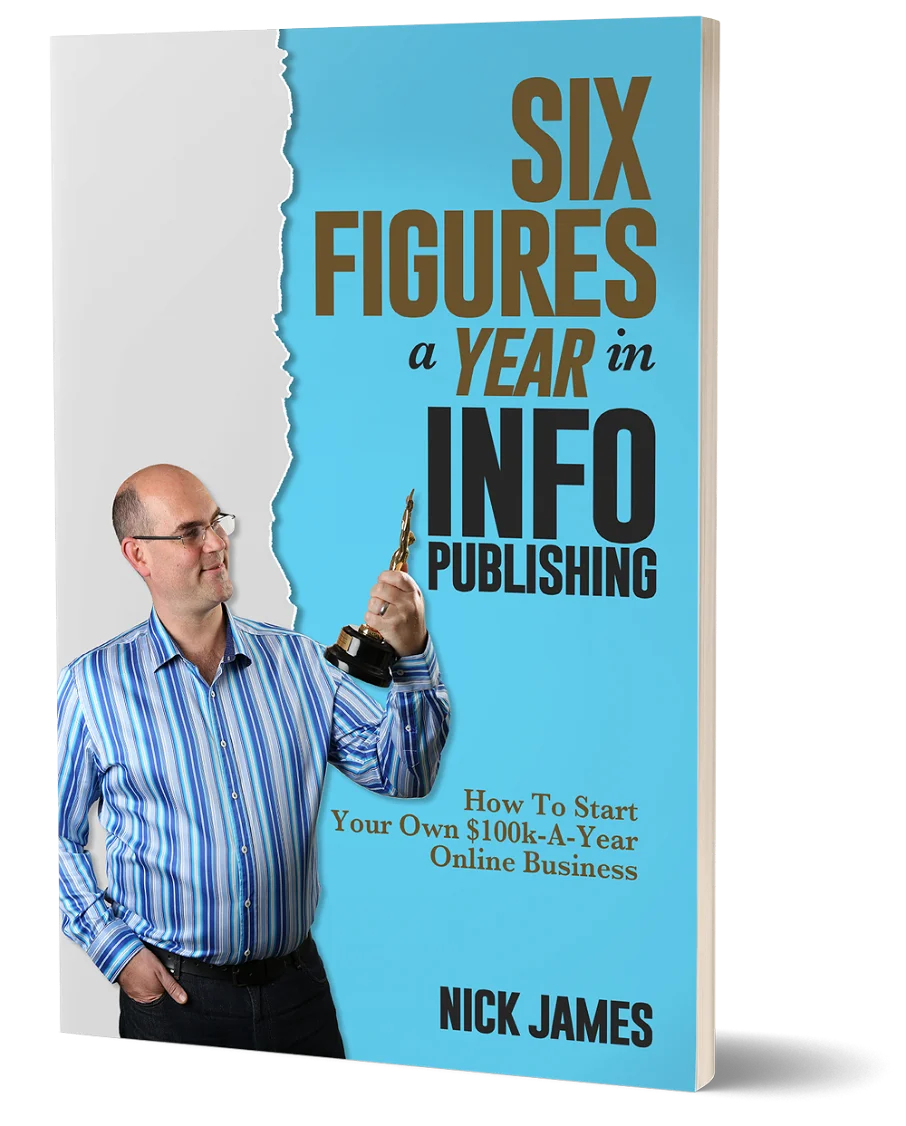
Author offers a FREE copy of this book to his next door neighbor... to prove he's not a drug dealer!
Now claim your FREE COPY.
and follow the step-by-step instructions for making the kind of money (and living the kind of lifestyle) that'll get your neighbors curtains twitching with curiosity!
Enter your details below to discover how to claim your FREE COPY of 'Six Figures A Year In Info Publishing' ...
Privacy Policy : We value your privacy. You can unsubscribe from receiving future emails with 1 click at any time.